
Editing bulk entry time cards is similar to editing a regular time card.
To use bulk entry, navigate to the Bulk Entry tab on the left hand side.

Here you can filter through time cards by status (Current, Due, Submitted, Rejected, Overdue & Approved), month and year.
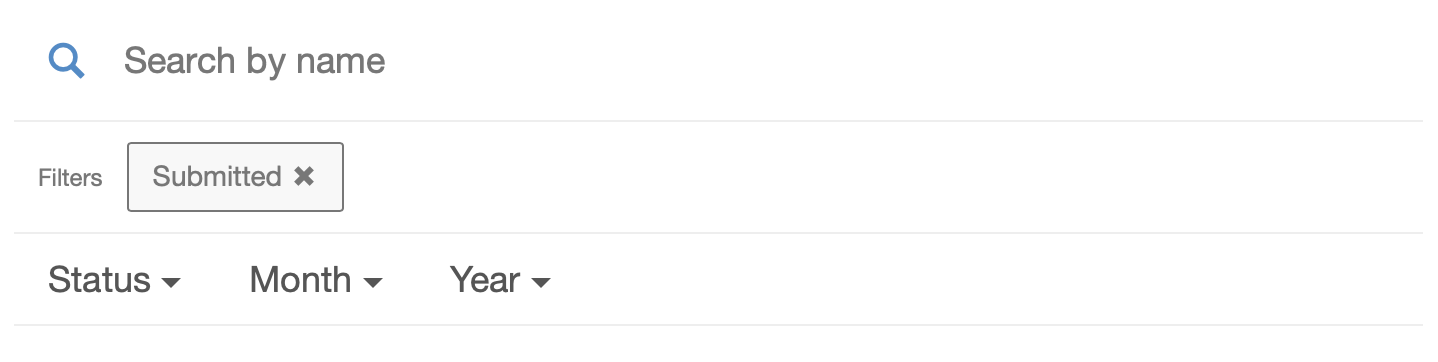
Select which time card you'd like to edit.
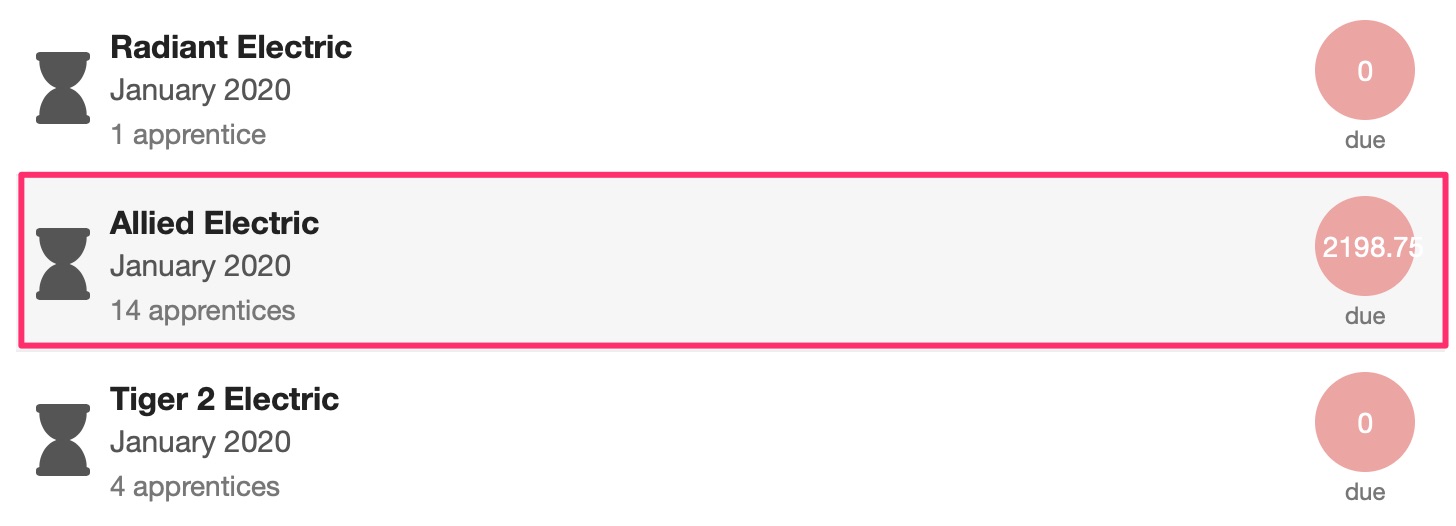
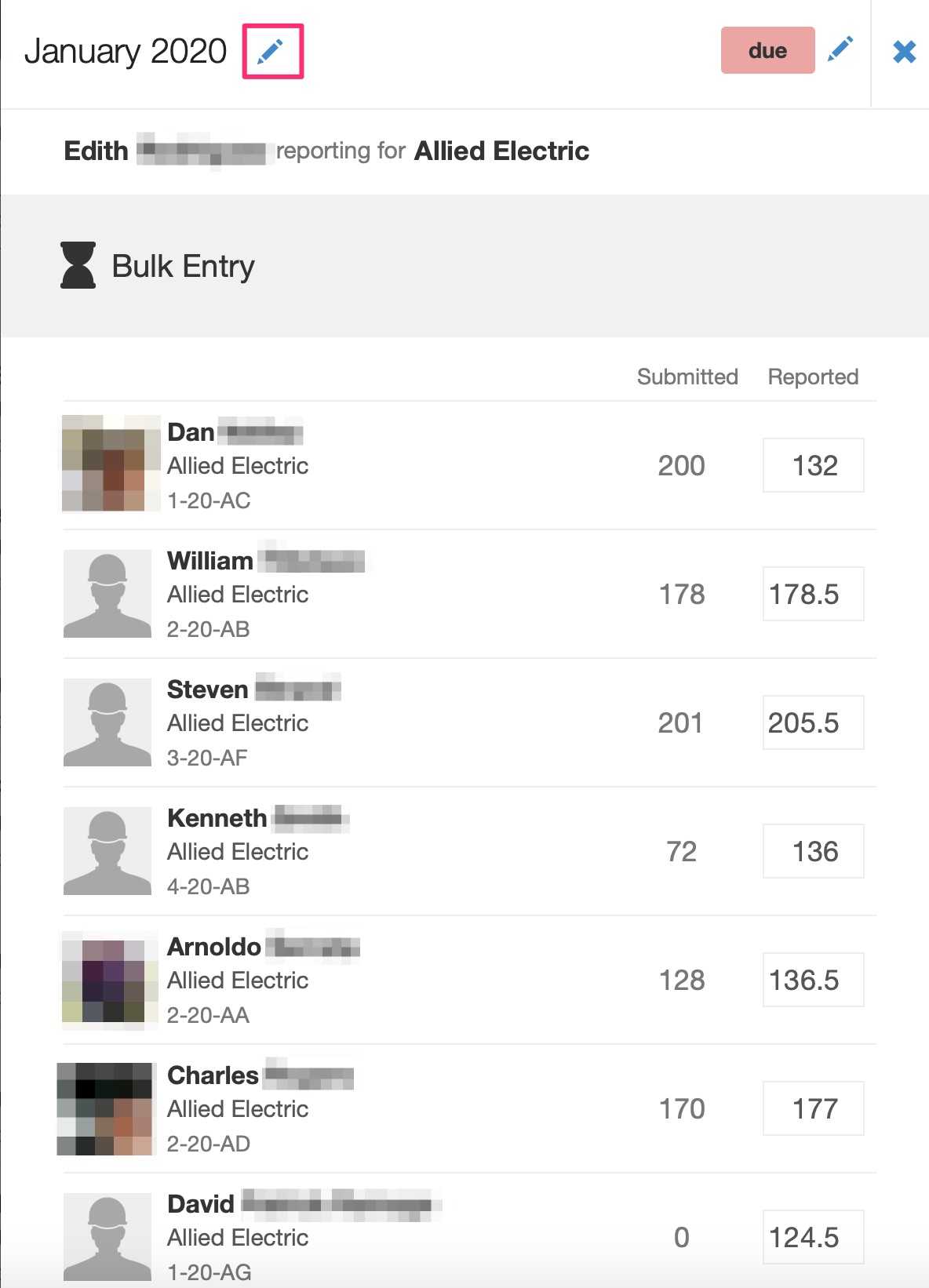
Open a time card and you'll find the ability to update the hours as needed. You can also click the pencil icon to update the status or date of the card.
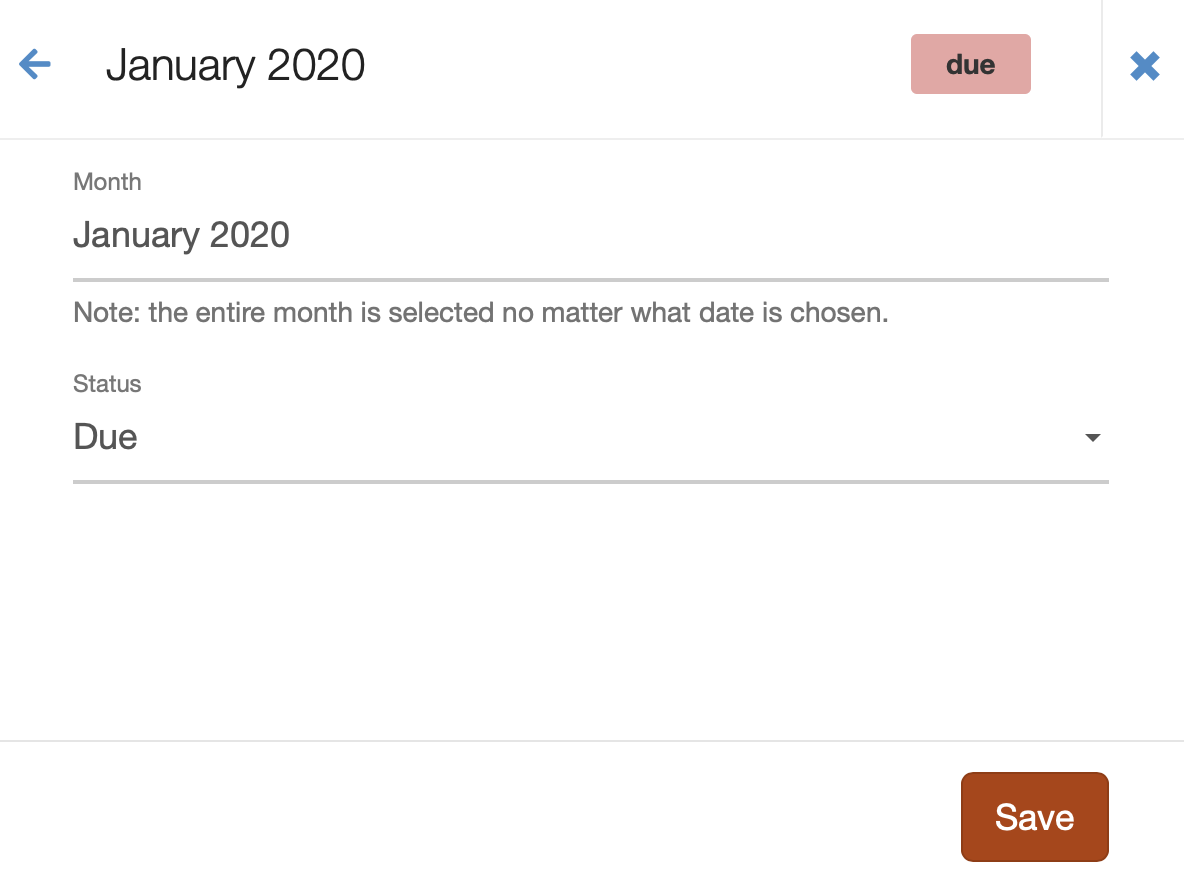
Make sure to click Save to save your changes.
Comments
0 comments
Article is closed for comments.