
As an admin, you have the option of setting a default supervisor that all future apprentices are assigned to.
Navigate to Program Settings on the left hand side of the page.

Under Organization, click on Default Supervisor.
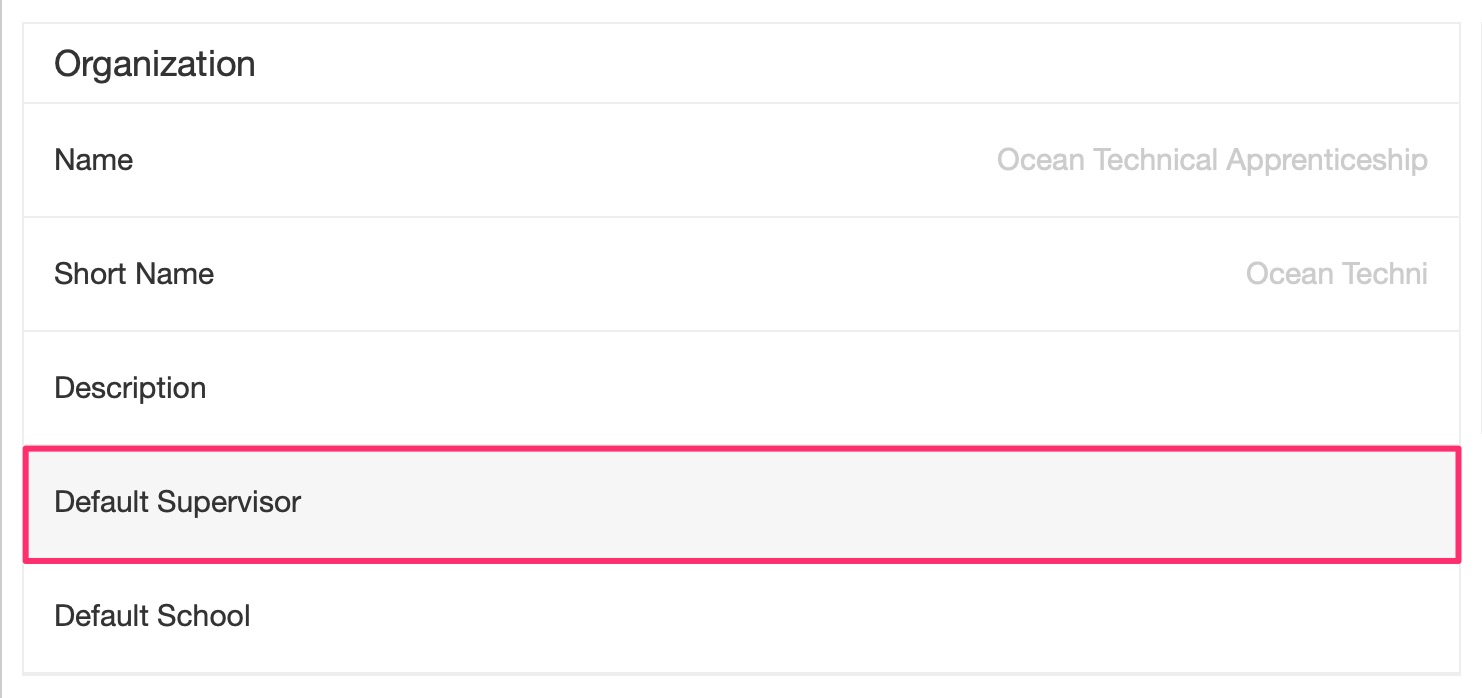
A menu will pop up. Click on Default Supervisor again.

Now, select or search for the desired supervisor.
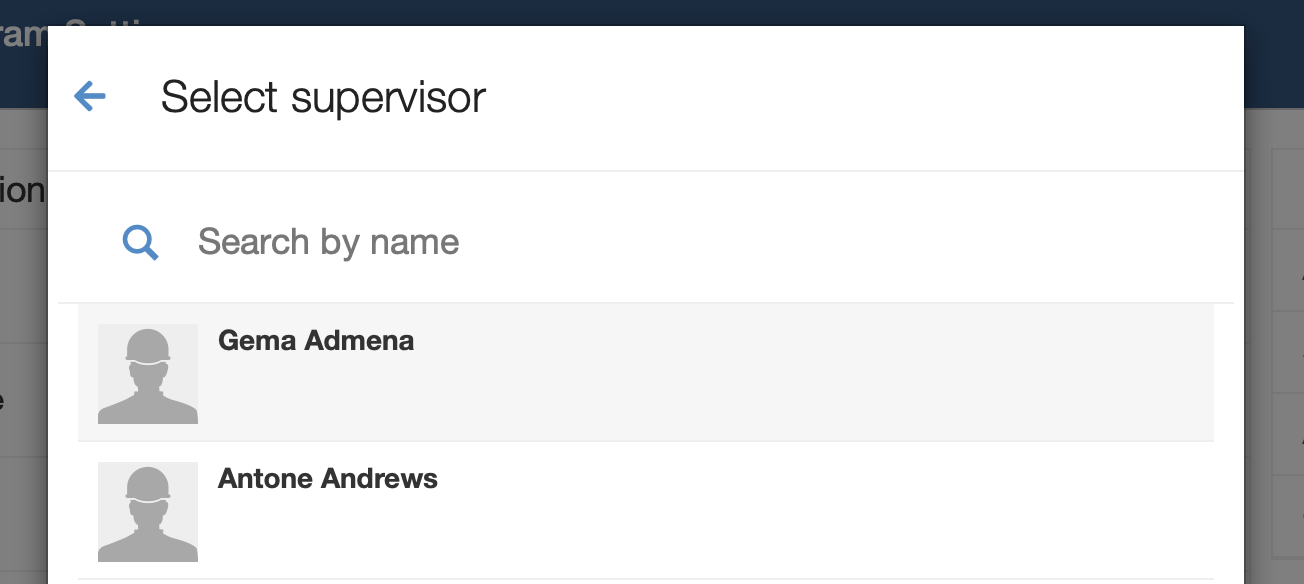
Click Save to save your changes. Now any future apprentices you add will be assigned to your Default Supervisor.

Comments
0 comments
Article is closed for comments.